Skip to content
Nothing feels worse than unpacking a TV after it’s been in long-term storage, only to find it is damaged. The same is true when you discover a corroded laptop battery or a games console that won’t start after retrieving it from your shed. The reality is that consumer electronics, particularly computers, TVs, and gaming consoles, are highly sensitive to damage. They easily fail without proper handling. The good news is you can do something about this. With proper storage strategies, you can ensure that your electronics remain as good as new, even if you are not actively using them or keeping them in the home.
The purpose of this guide is to explain how to store your electronics. We cover everything from labelling strategies to protective materials and environmental considerations. We also discuss the benefits of self-storage, something that we offer at Britannia Lanes Self Storage.
What are the risks of improper electronics storage?
There are actually quite a large number of risks from improper electronic storage, many of which you may not know about.
The primary risk is extreme temperature variations. For example, many people store their electronics in their attic only to discover at the end of the summer that they’ve been degraded by the extreme heat.
The same can happen after a long winter, or even when there’s a lot of moisture in the air, and it gets cold. Condensation landing on circuits can cause them to rust, damaging the intricate machinery that enables things like TVs and laptops to work.
Vibrations are another problem. Many consumer electronic devices have highly sensitive on-board components. Extreme impacts or vibrations can cause damage to these, preventing them from working as they should. For example, damage to accelerometers is very common.
Finally, you can run into data corruption issues on storage devices. Keeping SSDs, external hard drives, and micro SDs in the wrong locations can lead to damage over time. While manufacturers are getting better at making these units more robust, their techniques are not perfect.
Fortunately, there are lots of precautions you can take to prevent any of these problems from occurring. For example, you can get your packaging right or implement environmental controls, which is what we discussed below for proper device protection and storing electronics safely.
Essential packing tips for electronics
So, how can you pack your electronics safely to ensure that your equipment doesn’t experience any serious damage?
Power off your electronics
Start by powering off your devices completely and unplugging them. If you have a laptop, shut it down and make sure that it’s completely switched off. If you need to temporarily remove the battery, then do so.
Do the same for consoles and remote controls. Taking out the battery helps these electronics last longer and prevents damage to cells from affecting the rest of your equipment.
Use protective materials
Dumping consumer electronics in a cardboard box isn’t usually a good idea. That’s because they can still move around and become damaged by impacts.
To avoid this, use bubble wrap. This provides cushioning against impacts, especially if you’re planning on moving your electronics around. You can also use foam padding depending on the shape of the thing you want to store. Using the original box that a computer or laptop came in is generally a good idea, as long as the padding is intact.
If you’re storing highly sensitive equipment like computer components, then placing them in an anti-static bag is advisable. These protect against the static electricity, dust and moisture buildup that can lead to damaging short circuits.
Use the same orientation and original packaging
As mentioned, it’s a good idea to use original packaging. But if you really want to improve the way you store your electronics, then also place them in the same orientation as designed by the manufacturer. This provides you with an optimal fit and protection long-term.
Label small electronics parts
Lastly, you’ll want to look into using methods for labelling small parts like cables and chargers. Peripherals can often get lost in the mess.
Also, if you’re storing a lot of cables next to each other, tie them into a figure of eight and then fix them in place with sticky tape. Don’t let your cables form a messy clump of wires that you have to spend hours unpacking afterwards.
Choose a suitable storage environment
Choosing a suitable storage environment is a step that some people get wrong. Unfortunately, electronics don’t do well at extreme temperatures, which is something that you’ll find out if you ever travel to an extremely hot or cold country.
Ideally, keep electronics in the 10°C to 25°C temperature range to prevent damage from heat expansion and cold contraction. If temperature fluctuations grow, it can weaken the plastic and the metal on PCBs over time, degrading components and causing electronics to suddenly stop working. Therefore, if you need to keep your electronics in a climate-controlled room or storage, do so.
Don’t keep your electronics in high-risk areas. We already mentioned the problems of storage in attics, which are prone to extreme heat. However, basements also have problems, mainly flooding and moisture.
Garages are another issue because of how much their temperature can vary between day and night. While this might seem insignificant in a well-insulated home, it can be excessive in outbuildings, leading to damage to delicate electronic components.
If you haven’t thought about humidity levels when storing your electronics yet, do it now. Optimal humidity is between 40% and 60%. Lower than 40% can increase the risk of static build-up, while higher than 60% raises the risk of condensation.
If you need to purchase a dehumidifier or a humidifier, then do so. These pieces of equipment can prevent humidity levels from straying too far outside of the optimal range for technology storage. They also have readouts that tell you the current humidity level, so you can make adjustments accordingly.
Labelling and organisational practices
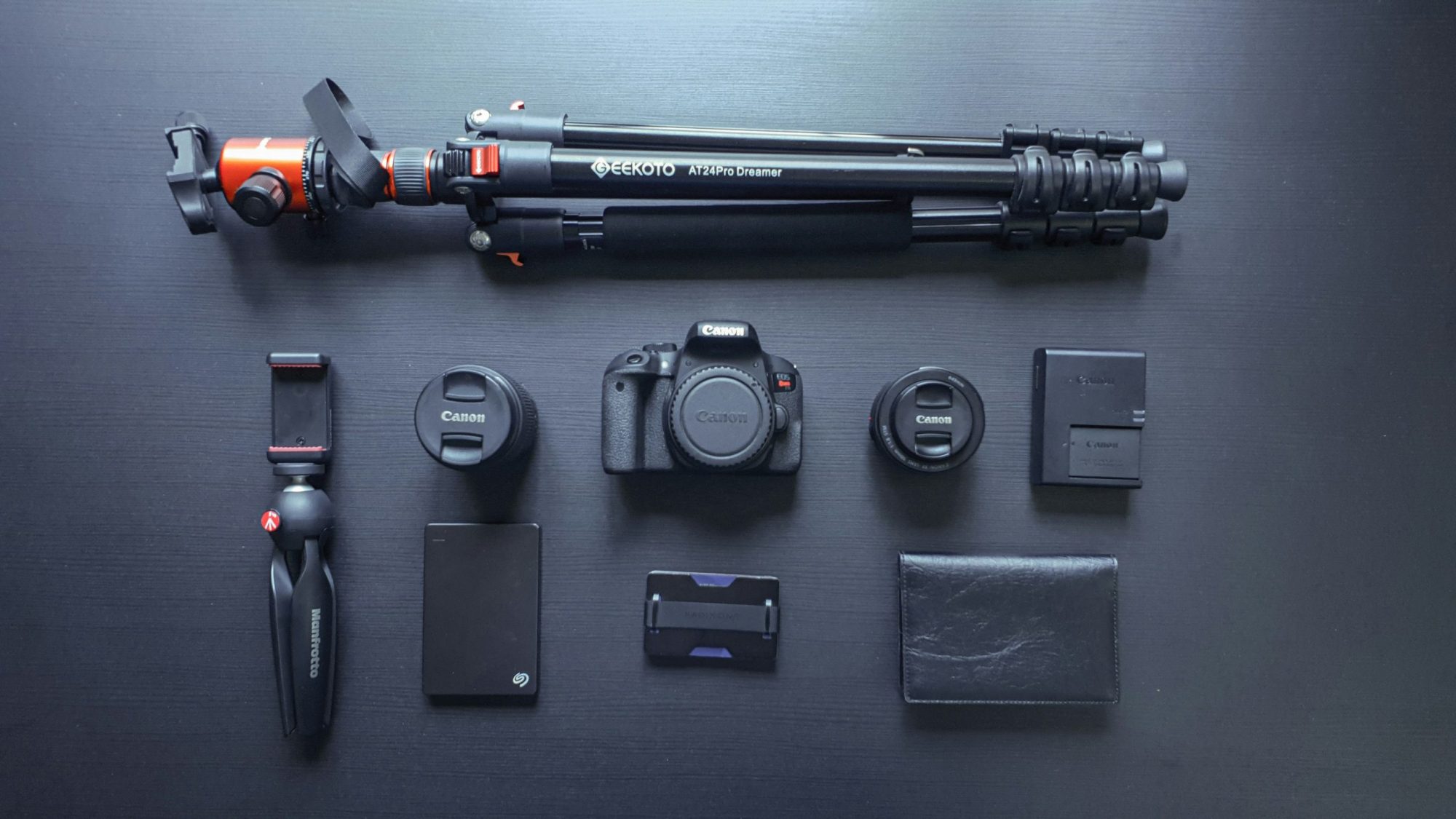
While you’re going through the process of storing electronics, it’s a good policy to implement labelling and organisational best practices. Knowing what everything is and where it is can be helpful.
Start with labelling on the outside of the box and then work your way inside, depending on the complexity of your storage requirements. For example, we suggest using durable labels on the outside of a box to tell other people what’s in it. For example, you might use a label that says: “Fragile electronics inside” or “PlayStation 2 console”.
Then, inside the box, label anything that you think is forgettable. This mainly applies to accessories like wires and cables. If you don’t know what an HDMI cable or a Thunderbolt cable looks like just by staring at it, then a label can be helpful.
Another best practice is to bundle labels related items together. Again, this approach can allow you to improve device protection while streamlining future access. Keeping everything close prevents items from knocking together while also showing you which components are complementary.
The benefits of self-storage for electronics
Self-storage facilities offer all sorts of benefits for storing electronics long-term compared to your business premises or home. We’re going to run through some of them now.
Cost-effectiveness
Interestingly, the cost-effectiveness of using self-storage for electronics is usually better than at other locations. Remember, if you store TVs, consoles, and computers at home, it increases the risks you face. Anyone could break into your property and quickly grab all of your electronics because selling them is often very convenient. Self-storage prevents this by providing a high level of security.
Furthermore, self-storage prevents costly repairs. If you store electronics in an unsuitable environment, you may wind up paying a considerable amount on replacements long-term. By contrast, when you use self-storage, you avoid this risk.
Climate-controlled units
Self-storage companies also offer climate-controlled units. These maintain temperature and humidity at the optimal level.
Most of these units have external displays and panels that tell you about the conditions inside. You can sometimes monitor them remotely on an app provided by the self-storage company. This gives you more confidence that you’re protecting against environmental damage and that your electronics will be safe from harm long-term.
Accessibility
Accessibility isn’t so much a benefit of self-storage in particular. But in terms of convenience, it puts it on equal footing with keeping electronics at home or at your business premises. Just like your personal locations, you can access self-stored electronics 24/7. Most have electronic or biometric access options, allowing you to use them when you want.
Security features
Finally, you can benefit significantly from security features when you use self-storage facilities. These are often far superior to any security that you might have at your business premises or your home.
Most high-quality self-storage operations use surveillance cameras, alarmed units, and gate access with keypad or card entry to reduce the risk of theft. Some also have high perimeter fencing and guards that regularly patrol and monitor CCTV stations.